Gridize Desktop
Offline pixel art converter for Windows
The desktop app maps any image to an exact grid and palette on your computer, so you can fine-tune the pixel structure by hand.
Windows 64-bit · One-time purchase · Images stay on your device
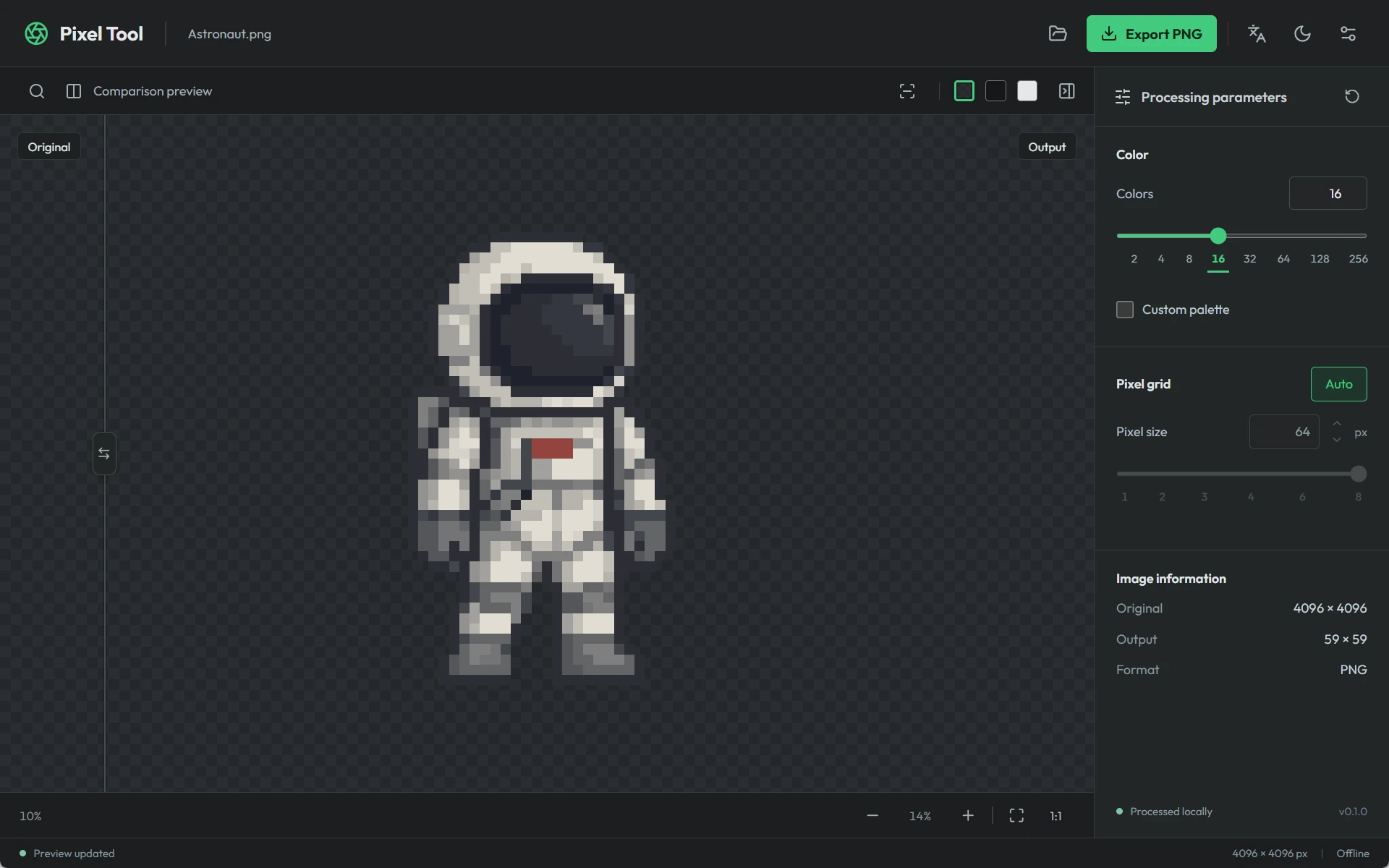
The pixel grid
From image to pixel grid
A pixel effect can imitate the look. Gridize builds the structure: a consistent grid, deliberate color cells, and a side-by-side check against your original.
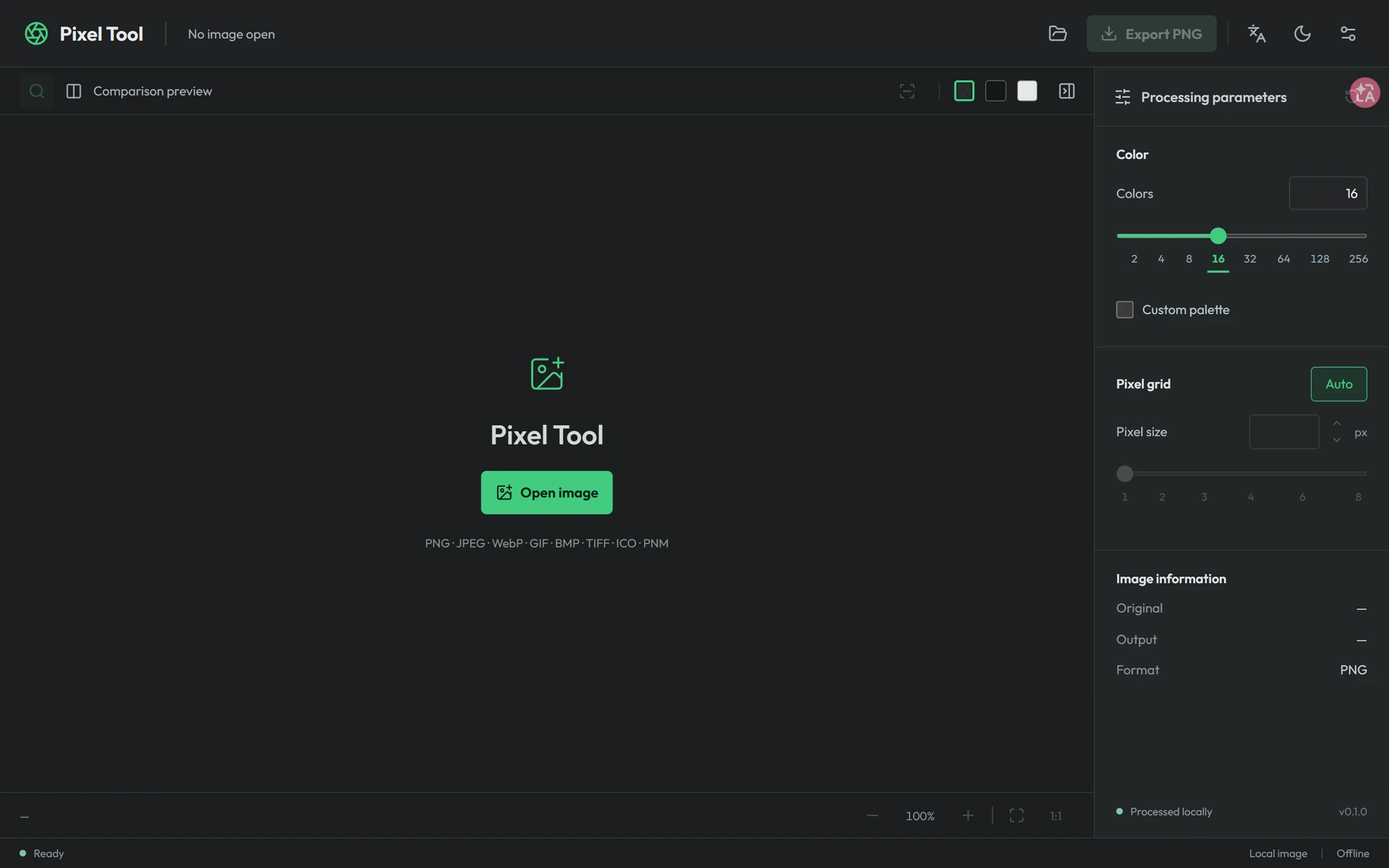
Pixel controls
Keep every cell consistent
Set the grid, map colors to a palette, and compare the result with your source as you refine the image.
- 25 built-in palettes plus editable custom colors
- Automatic grid estimation or manual pixel sizing
- Compare source and output on one shared canvas
- Local desktop processing for private images
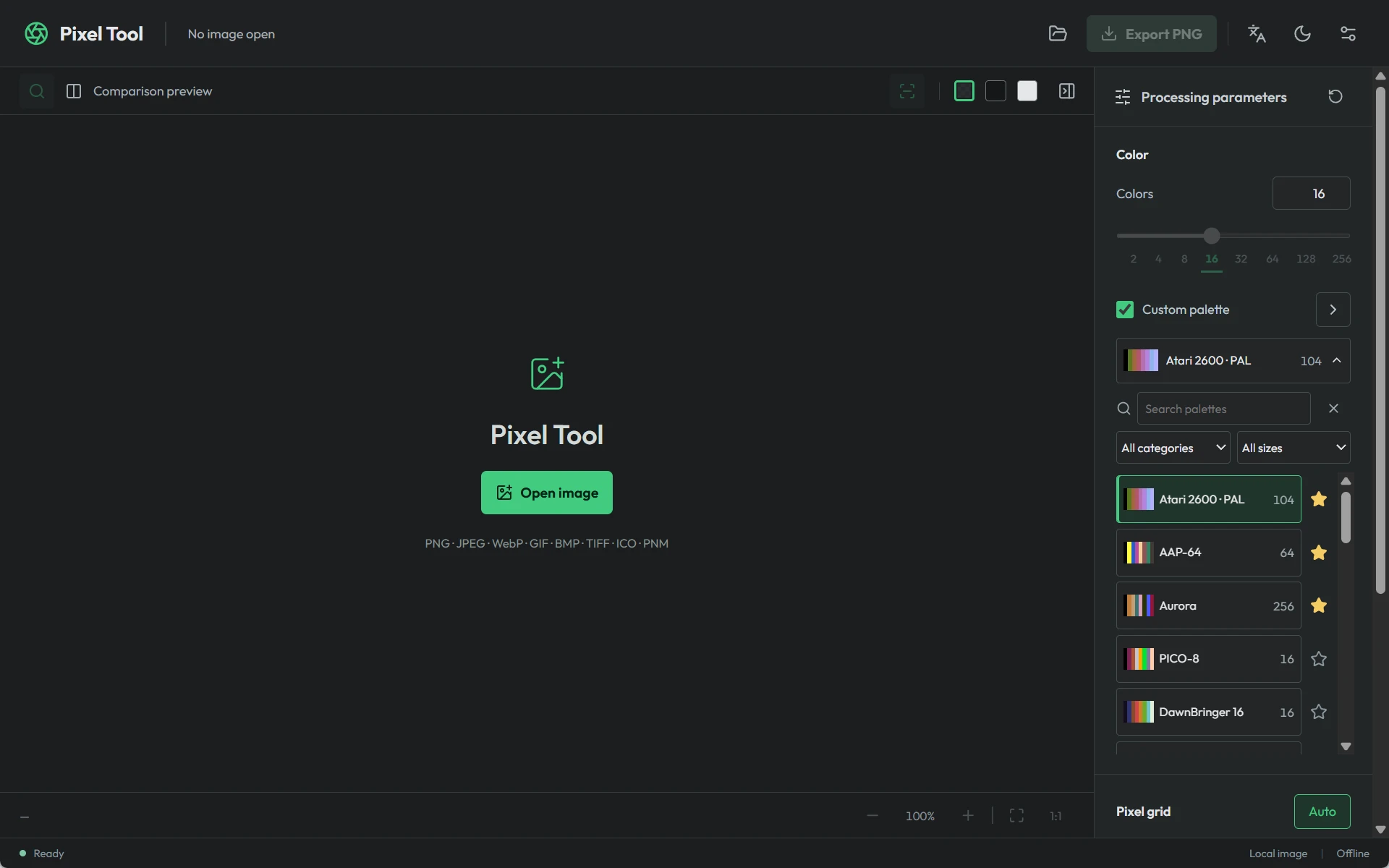
Step-by-step guide: how to convert an image to pixel art
Get Gridize Desktop
One-time purchase
One purchase for the Gridize desktop image workflow. Every future update is included.
FAQ
Frequently asked questions
Gridize maps an image onto a detected or manually selected pixel grid, then reduces and remaps its colors. You can adjust the grid and palette before exporting a PNG.
It is a one-time purchase of $19.99, with a lower early-bird price for a limited time. Every future update is included.
Gridize Desktop runs on Windows 64-bit. After purchase, download the installer from your account and activate it with your license.
No. Gridize processes images locally in the desktop app. Your images stay on your device and are not uploaded to our servers.
You can compare the source and result on one canvas, adjust the grid and color palette, and export the processed image as PNG.
AI can create a convincing pixel-art style while block sizes and edges vary across the image. Gridize maps those details to a consistent grid of aligned cells you can inspect and refine.
No. Gridize Desktop is a separate product that works offline on your own images and uses no AI credits. The online AI studio has its own plans and credit packs.
More pixel art tools
 AI pixel art generatorDescribe a character and get game-ready pixel sprites in seconds.
 Pixel art animationTurn any sprite into idle, attack or spell animations.
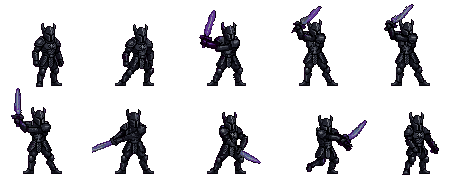 Sprite sheet generatorExport animations as sprite sheets with frame timing JSON.
 Text to pixel artFreeFree 16x16 and 32x32 sprites from a prompt, in your browser
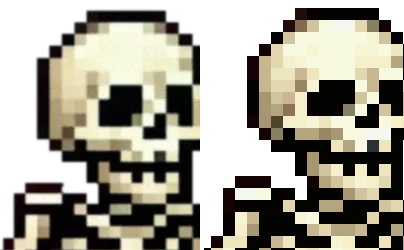 Image to pixel artFreeTurn any image into clean pixel art, right in your browser.
 Minecraft pixel artFreeImages to block builds with a block list and commands.
 Sprite sheet makerFreePack frames or a GIF into one sprite sheet with frame JSON.