Free · No sign-up
Text to pixel art generator
Type what you need and get four pixel art sprites in seconds. Free, no sign-up, made right in your browser.


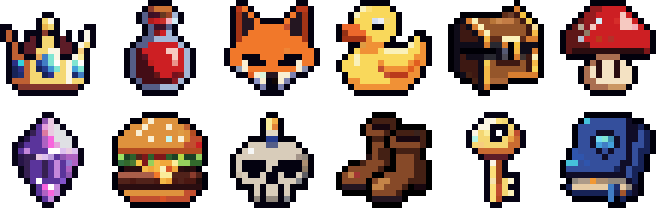
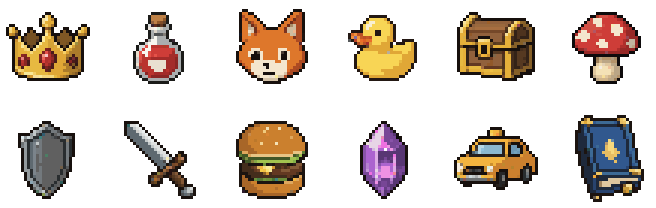
Straight from the model, no edits
How to turn text into pixel art
Describe the sprite
Name one object or creature with its colours and materials, like “iron sword with a leather hilt”. Any language works.
Pick 16x16 or 32x32
16x16 suits items and icons; 32x32 adds shading and detail. Each run gives four versions in a few seconds.
Download or animate
Save a transparent PNG at native size or 512 px, or send the sprite to the studio and animate it.
What this pixel art generator does
Runs in your browser
The model runs on your GPU with WebGPU, or on the CPU when there is none. No queue, no credits and no daily limit.
A true pixel grid
Every pixel is one colour from a fixed 512-colour palette, so sprites have hard edges and no blurry in-between pixels.
Prompts in any language
Write in Japanese, Korean, Chinese, Spanish or any other language. Prompts that are not English are translated before generation.
Transparent PNG
Sprites come on a transparent background at 16x16 or 32x32, or scaled to 512 px with nearest-neighbour edges.
Animate any result
Send a sprite to the studio's Animate tab to make a walk, run, idle or attack loop and export GIF or a sprite sheet.
English prompts stay local
English prompts never leave your device. Other languages are sent once to our server for translation, nothing else.
FAQ
Text to pixel art FAQ
Yes. There is no account, no credits and no watermark. The model runs on your own device, so there is also no daily limit.
No, but it is faster with one. In Chrome and Edge the model uses your GPU through WebGPU: on a laptop GPU in our tests, four 16x16 sprites take about 5 seconds and four 32x32 sprites about 20. Without WebGPU it runs on the CPU, which is slower.
Yes. The model was trained on English descriptions, so prompts in other languages are translated to English first. You type in your language and do not need to see or edit the translation.
Single objects and creatures as game sprites: items, weapons, potions, food, animals, monsters and furniture. It is not made for scenes, text or characters in poses.
16x16 is the classic size for inventory items and icons: few pixels, bold shapes. 32x32 has room for shading, faces and patterns. For 64x64 sprites, use the studio.
Click Animate under the sprite. It opens in the studio's Animate tab, where you describe the motion and export GIF, WebP, PNG frames or a sprite sheet. New accounts get free credits.
More pixel art tools
 AI pixel art generatorDescribe a character and get game-ready pixel sprites in seconds.
 Pixel art animationTurn any sprite into idle, attack or spell animations.
 Sprite sheet generatorExport animations as sprite sheets with frame timing JSON.
 Image to pixel artFreeTurn any image into clean pixel art, right in your browser.
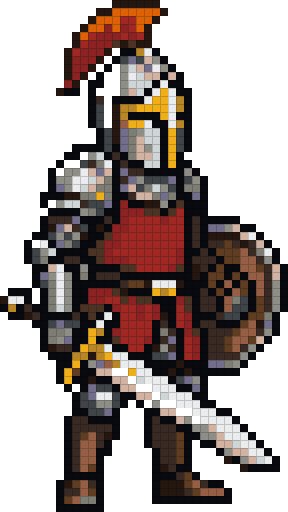 Minecraft pixel artFreeImages to block builds with a block list and commands.
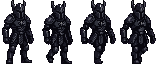 Sprite sheet makerFreePack frames or a GIF into one sprite sheet with frame JSON.
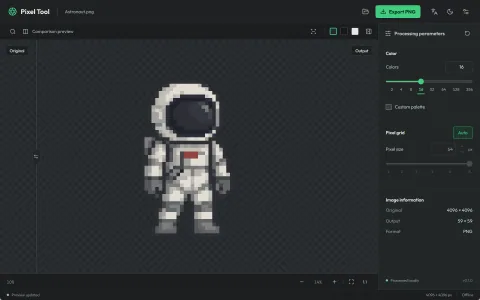 DesktopThe converter offline on Windows, with more settings.
Make your first animated sprite today
Sign up, verify your email and get 30 free credits to try the studio.